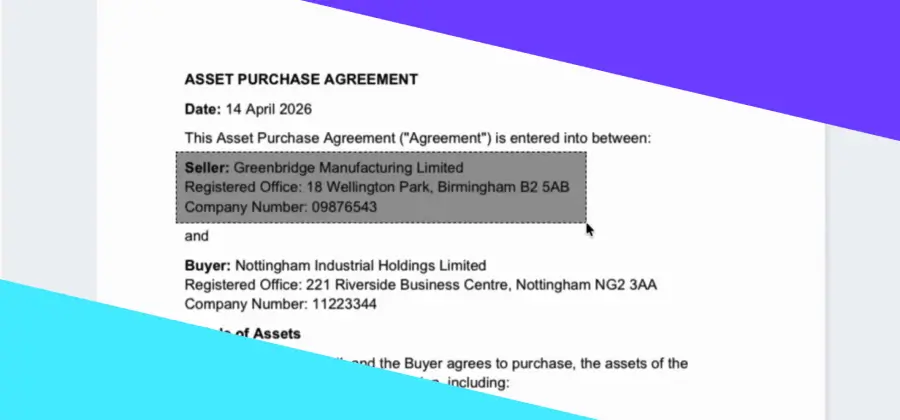

The difference in AI results isn’t about access to better tools. It’s about how clearly you direct them.
Within Legal Ready, AI is already embedded into your workflow – helping you review documents, surface key details and organise complex materials. But the quality of the output depends on how precisely you guide it.
This isn’t technical. It’s about giving clear, well-structured instructions – something legal professionals already do every day.
Here’s how to approach prompting in a way that aligns with real legal workflows.
1. Be clear about the task
Avoid open-ended instructions like: “Summarise this.” Clarity at the outset leads to more relevant output.
Instead, define what matters:
- “Summarise this document with a focus on financial disclosures relevant to asset identification”
- “Extract key dates and events relevant to the dispute”
2. Include matter-specific context
Even with well-organised documents, context still matters. Context allows the AI to prioritise what’s relevant. Help the AI understand:
- Who your client is
- What stage the matter is at
- What you’re trying to assess or establish
For example: “Review these bank statements in the context of a financial disclosure dispute where income is in question.”
3. Direct the focus of the review
AI can scan large volumes quickly – but it needs direction on what to prioritise. This is where output becomes more than a summary. For example:
- “Identify recurring transactions”
- “Highlight inconsistencies between declared income and deposits”
- “Flag any gaps in the financial record”
4. Specify how the response should be structured
Define the format so the result is immediately usable. A clear structure reduces the need for reworking. For example:
- “Provide: a) Key findings; b) Areas of concern; c) Missing information; d) Recommended next steps”
- “Present as a timeline with dates and corresponding events”
5. Set boundaries for the response
Limits help keep the output focused and practical. Defined boundaries improve usability. For example:
- “Limit to 5 key points”
- “Use plain English suitable for a client”
- “Keep under 150 words”
- “Focus only on material issues”
6. Ask it to highlight gaps or limitations
This is particularly important in legal work and supports more reliable, defensible outputs. For example:
- “Identify any missing documents or incomplete records”
- “Indicate where conclusions rely on partial information”
- “Highlight areas that may require further review”
7. Refine the response through follow-up prompts
Where you don’t quite get what you need first up, there’s no need to start again. Build on the initial response and treat it as an ongoing interaction within your matter. For example:
- “Expand on point 2”
- “Focus only on transactions above $5,000”
- “Reframe this as a client-ready summary”
Putting it into practice
Instead of:
“What’s in these bank statements?”
Try:
“Review these bank statements in the context of a financial disclosure matter where income is disputed.”
Identify:
- recurring deposits
- inconsistencies with declared income
- any unusual transaction patterns
Highlight any missing information and present the output as:
- Key findings
- Areas of concern
- Recommended next steps
- The takeaway
Using AI effectively isn’t about asking more questions. It’s about asking clearer ones.
Legal Ready’s AI is designed to support structured, reliable workflows – but the real value comes from applying the same level of precision to your prompts as you do to your legal work.
We’d love readers to share their own use cases for the benefit of the broader legal community. If you have questions about Legal Ready’s AI features or would like a demonstration connect with us directly. We are also happy to talk about AI safety generally. In this series, we’re showcasing real ways all lawyers can use Legal Ready to deliver safer, faster, more accurate legal work.